


Regular vacuum cleaner maintenance is crucial. It helps you avoid unexpected breakdowns and ensures optimal performance. By committing to regular vacuum cleaner maintenance, you can significantly extend the lifespan of your device. Taking these simple steps makes a big difference in how well your vacuum cleaner serves you.
Key Takeaways
Regularly empty the dustbin to maintain suction power and improve indoor air quality.
Clean or replace filters every 1 to 3 months to ensure effective operation and reduce allergens.
Inspect and clean the brush roll frequently to enhance dirt pickup and prevent motor strain.
Cleaning Practices
Dustbin Management
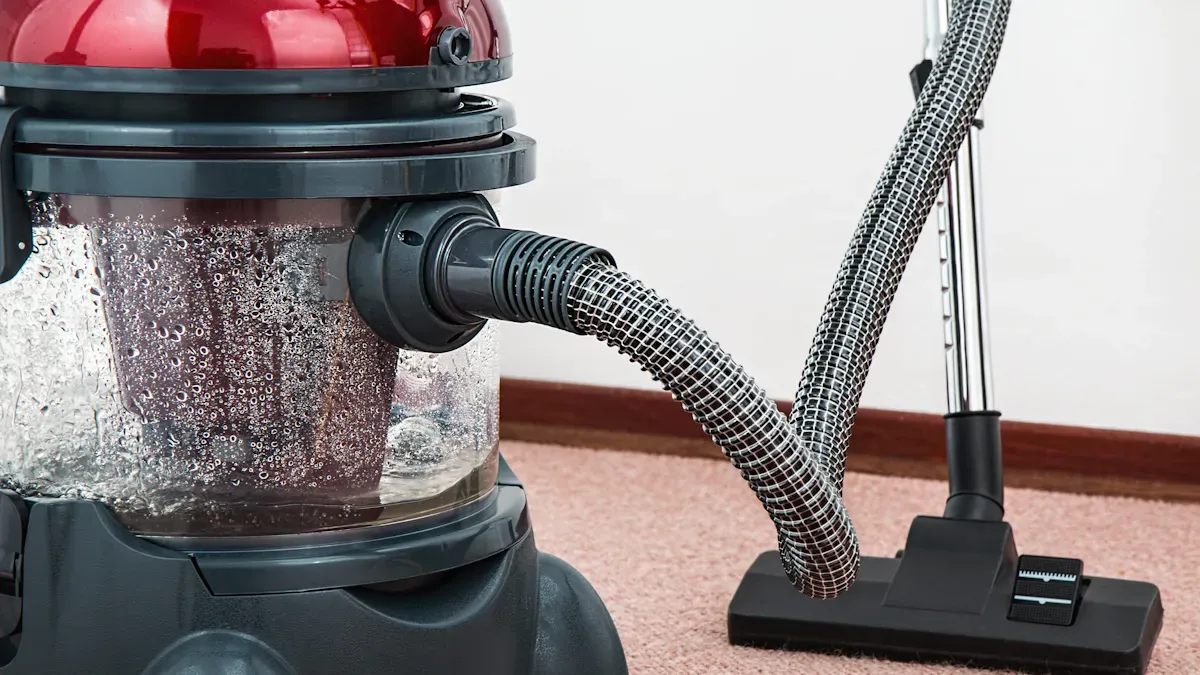
Proper dustbin management is essential for maintaining your vacuum cleaner’s performance. A full dustbin can significantly reduce suction power, making your vacuum less effective. To keep your vacuum running smoothly, follow these guidelines:
Daily Emptying: If you have pets that shed or use your vacuum daily, empty the dustbin after each use. This practice prevents clogging and maintains optimal performance.
Every 2-3 Uses: For smaller homes with less dust and no pets, check the dustbin every few uses. Ensure it does not overfill, as this can lead to performance issues.
Tip: Always empty the dustbin in a well-ventilated area. This helps prevent allergens from re-entering your home environment.
Regular dustbin management not only improves your vacuum’s efficiency but also enhances indoor air quality. Properly managing the dustbin can help reduce allergens and improve the overall health of your living space.
Filter Cleaning
Cleaning or replacing filters is another critical aspect of vacuum cleaner maintenance. Filters trap dust, allergens, and other particles, ensuring that your vacuum operates effectively. Neglecting filter maintenance can lead to reduced suction and poor air quality. Here are some recommendations for filter care:
Wash Filters Regularly: Clean your vacuum filters every 1 to 3 months, depending on usage. Use warm soapy water for cleaning, and let them air-dry completely before reinserting them.
Check for Loss of Suction: If you notice a decrease in suction, it may be time to clean or replace the filters. This action can restore your vacuum’s efficiency.
Utilize the Brush Attachment: For pleated filters, use the brush attachment to remove dust and debris effectively.
Source | Recommendation |
|---|---|
Sarasota Vacuum | Clean or replace filters every 3 to 12 months based on type and usage. |
Fresh Tech Maids | Clean or replace HEPA filters every 6 to 12 months depending on usage. |
MetroVac | Follow manufacturer’s guidelines, typically every 3-6 months. |
Neglecting filter cleaning can lead to health issues. A saturated filter fails to capture airborne pollutants effectively, which can exacerbate respiratory problems like asthma and allergies. Regular maintenance reduces the risk of mold and bacteria growth, ensuring a healthier environment.
By following these cleaning practices, you can ensure your vacuum cleaner maintains optimal performance and lasts longer.
Brush Care
Removing Debris
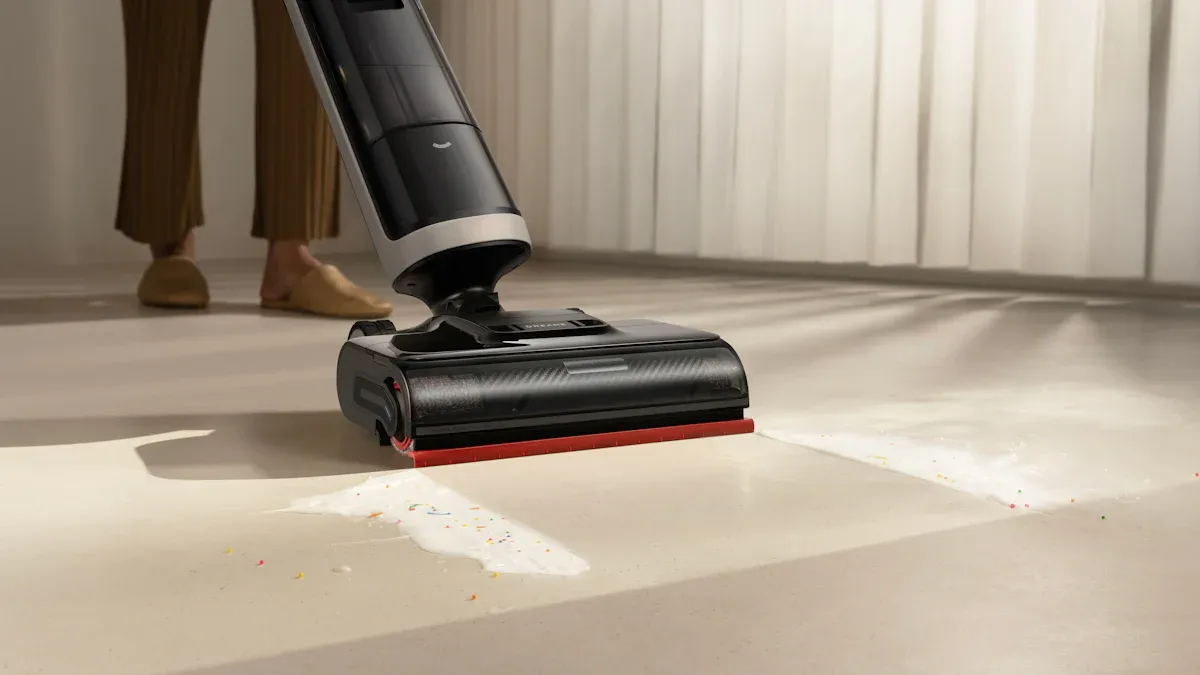
Maintaining the brush roll is vital for your vacuum’s performance. A clean brush roll ensures effective dirt pickup and prevents strain on the motor. Follow these steps to remove hair and fibers from the brush roll:
Lay the vacuum flat on the floor.
Press the button to remove the cap that holds the brush roll in place.
Take out the brush roll carefully.
Manually clear debris, including hair and fibers, from the brush roll.
Reinsert the brush roll back into the vacuum.
Reattach the cap securely.
Tip: Regularly cutting away tangled hair from the brush roll helps it rotate freely. This simple action can significantly improve your vacuum’s efficiency.
Checking for Damage
Inspecting the brush roll regularly is essential to prevent breakdowns. You should check for damage and wear to ensure your vacuum operates smoothly. Here are some guidelines for checking the brush roll:
If you use your vacuum daily, inspect the brush roll monthly and conduct a thorough check every three months.
For less frequent users, have your vacuum serviced twice a year.
When checking the brush roll, look for these signs of damage:
Buildup of hair, string, and dirt at the roller ends can cause drag.
Worn or damaged bristles may require brush replacement to maintain performance.
Ensure the roller can turn freely; any obstruction can make the motor work harder.
Regular attention to the brush roll area prevents performance issues. Keeping the roller brush clean and free from debris is crucial for effective dirt agitation.
By following these brush care tips, you can enhance your vacuum cleaner’s performance and extend its lifespan.
Troubleshooting Issues
Loss of Suction
Loss of suction is a common issue that can frustrate you while vacuuming. To diagnose this problem, follow these steps:
Check the Height Setting: Ensure the vacuum height is suitable for your flooring type. Adjust it to the lowest setting for bare floors.
Inspect the Bag or Canister: A full bag or canister can significantly reduce suction. Empty or replace it to restore powerful suction.
Examine the Hose for Blockages: Look for clogs in the hose. You can use tweezers or a broom handle to remove any obstructions.
Ensure the Vacuum is Airtight: Check connections and seals to confirm there are no air leaks affecting suction.
If you still experience loss of suction after these checks, consider consulting a professional for vacuum cleaner repairs.
Unusual Noises
Unusual noises during operation often indicate underlying issues. Here are some common causes and solutions:
Incorrect Height Setting: If the height setting is too high for the surface, it can create excessive noise. Adjust it accordingly.
Clogged or Damaged Hose: Inspect the hose for clogs or damage. Clear any blockages to reduce noise levels.
Full Bag or Dirt Cup: An overfilled bag or dirt cup forces the motor to work harder, resulting in more noise. Regularly empty it to maintain efficiency.
Brush Roll Issues: A dirty or damaged brush roll can contribute to noise. Clean or replace it as needed.
Internal Air Passages Clogged: Ensure that internal air passages are clear to prevent noise from blockages.
By addressing these common issues, you can keep your vacuum cleaner running smoothly and efficiently.
Regular maintenance significantly extends your vacuum cleaner’s lifespan and enhances its performance. Remember to:
Clean or replace filters regularly.
Empty the dustbin frequently.
Check for clogs and damages.
These practices not only improve efficiency but also reduce environmental impact by minimizing e-waste.
