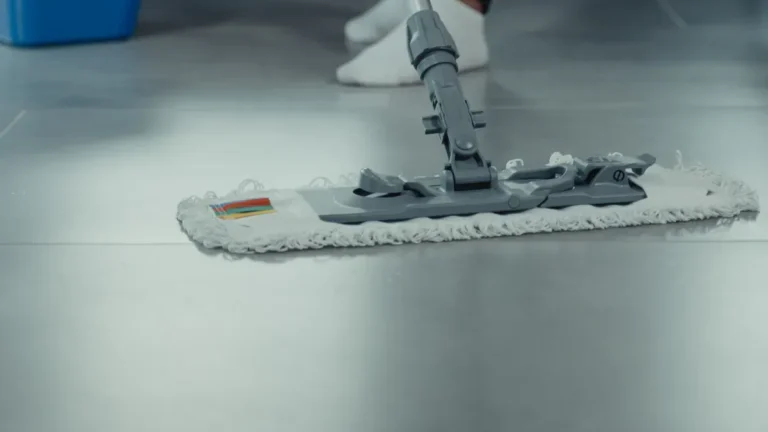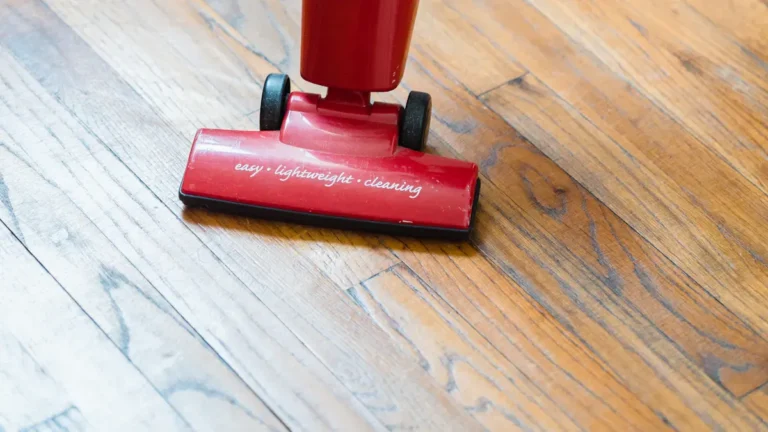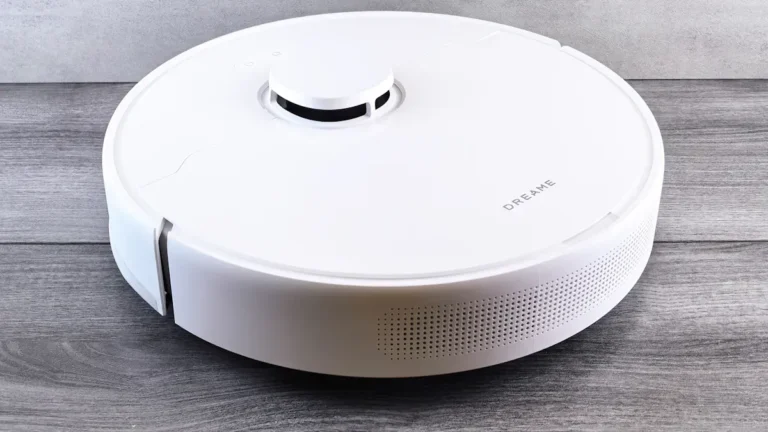

Vacuum mop cleaning modes play a crucial role in enhancing your cleaning efficiency. These modes allow you to tailor your cleaning approach based on various surfaces and types of messes. For instance, a floor cleaning robot equipped with smart cleaning features can adapt its settings to suit hardwood, tile, or carpet, ensuring optimal results. Customizing your cleaning output not only saves time but also improves the overall effectiveness of your cleaning routine.
Vacuum Mop Cleaning Modes Overview
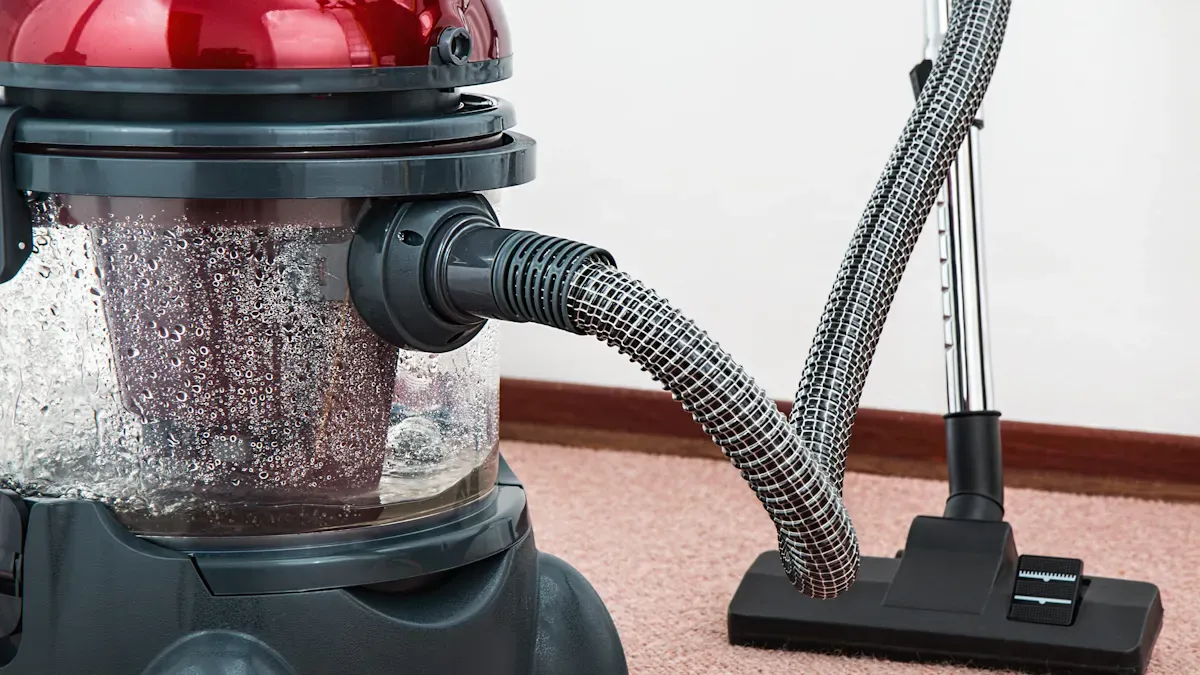
Understanding the various vacuum mop cleaning modes can significantly enhance your cleaning experience. These modes allow you to choose the best approach for different surfaces and messes. Here’s a closer look at the primary cleaning modes available in vacuum mop devices.
Standard and Deep Cleaning Modes
Most vacuum mop devices offer both standard and deep cleaning modes.
Standard Cleaning Mode: This mode is perfect for everyday cleaning tasks. It typically consumes about 40-50 watts of power. You can use it for quick clean-ups on hard floors or low-pile carpets.
Deep Cleaning Mode: This mode is designed for tougher jobs, such as cleaning carpets or heavily soiled areas. It uses higher suction levels, which increases energy consumption. While it effectively removes dirt and stains, it may draw more power than standard cleaning modes.
Many modern vacuum mops also feature energy-saving options. For instance, the eco mode reduces power usage by lowering suction levels, while the max mode provides powerful suction for deep cleaning tasks.
Spot and Edge Cleaning Modes
Spot and edge cleaning modes are essential for tackling specific messes and hard-to-reach areas.
Spot Cleaning Mode: This mode focuses on small, concentrated areas where spills or stains occur. It allows you to direct the vacuum mop to clean a specific spot without affecting the entire room.
Edge Cleaning Mode: This mode is designed to clean along walls and corners. It ensures that dirt and debris do not accumulate in these often-overlooked areas.
Vacuum Model | Cleaning Performance | Notes |
|---|---|---|
Roborock Saros 10R | 5 points | Best performance in cleaning deep into corners and around edges. |
Other Models | Varies | Scored lower in edge and corner cleaning tests. |
When choosing a vacuum mop, consider models that offer a combination of these modes. For example, the 2026 Dreame X60 Max Ultra Complete features a hot water mopping system that operates at 104 degrees Fahrenheit. This capability helps tackle stubborn stains effectively. Additionally, it has self-washing and drying mopping pads, making it ideal for homes with heavy foot traffic.
Selecting the Right Cleaning Mode
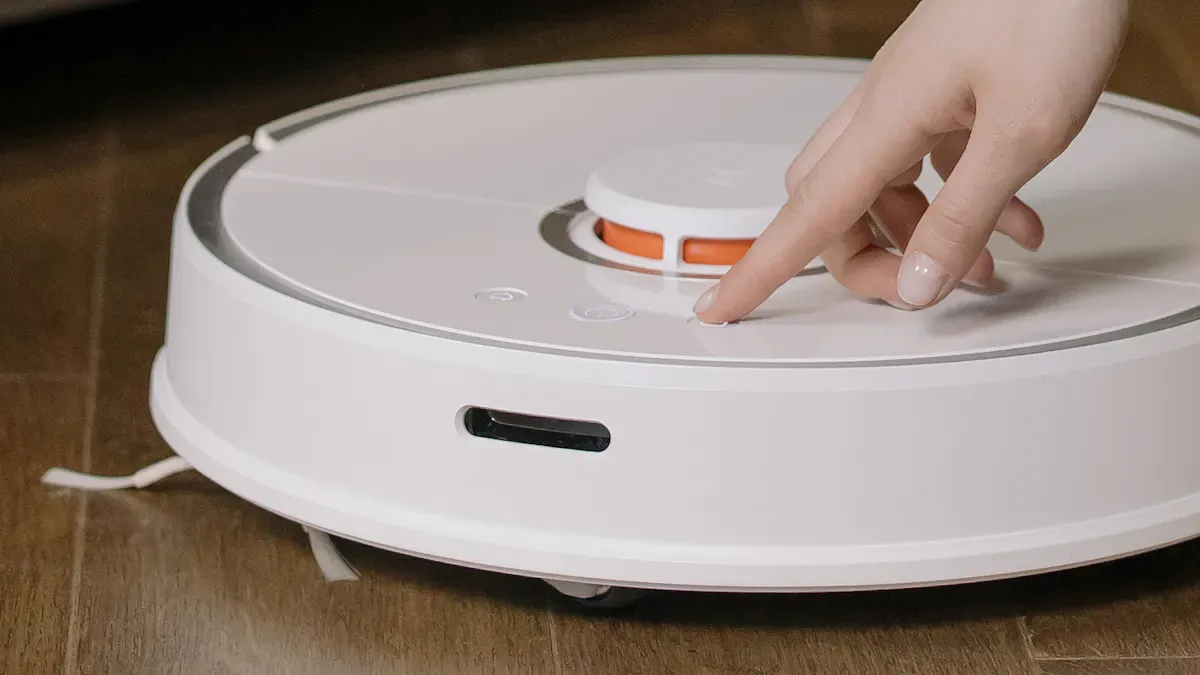
Choosing the right cleaning mode for your vacuum mop can make a significant difference in your cleaning routine. You should consider both the type of surface you are cleaning and the level of mess you are dealing with. Here’s how to assess these factors effectively.
Surface Type Considerations
The surface type plays a crucial role in determining the optimal mode for cleaning. Different surfaces require different approaches. For example, when using mopping mode, robotic vacuums are designed to avoid carpets to prevent them from becoming wet. Certain models, like the 3i S10 Ultra, come equipped with sensors that detect various floor types. This feature allows them to mop only on hard surfaces. You can also designate specific areas as ‘mop-only zones’ to ensure that the vacuum operates solely on hard floors, avoiding carpets altogether.
Combo vacuum-mops excel on hard surfaces such as wood, tile, laminate, and vinyl. However, they are not suitable for carpeted areas. Their suction power often falls short when it comes to removing moisture effectively, which can leave carpets damp after cleaning. Be cautious when using these devices on hardwood floors, as excessive moisture can lead to water damage.
Mess Level Evaluation
Evaluating the level of mess is equally important when selecting a cleaning mode. You should assess whether you are dealing with light dust, sticky spills, or deep stains. For light cleaning tasks, the standard mode is usually sufficient. It allows for quick clean-ups without using excessive power.
For tougher messes, such as food spills or muddy footprints, consider using the deep cleaning mode. This mode provides higher suction power and is more effective at lifting stubborn dirt. If you encounter a specific spot that needs attention, the spot cleaning mode can help you focus on that area without affecting the rest of the room.
Here are some tips to optimize your cleaning based on mess levels:
Light Messes: Use standard mode for quick clean-ups.
Moderate Messes: Switch to deep cleaning mode for better results.
Specific Spots: Utilize spot cleaning mode for targeted cleaning.
By understanding your cleaning needs, you can select the most effective mode for your vacuum mop. This approach not only saves time but also enhances the overall cleaning experience.
Benefits of Customizing Cleaning Modes
Enhanced Cleaning Efficiency
Customizing your vacuum mop cleaning modes can significantly boost your cleaning efficiency. When you adjust the settings based on your specific needs, you enhance the performance of your device. For example, using a customized mode allows the vacuum to adapt to different cleanliness needs. This adaptability ensures that you do not waste energy or time on unnecessary cleaning tasks.
Adjustable suction power: This feature helps save battery life by preventing over-cleaning. You can set the suction level according to the mess, ensuring optimal performance without draining the battery.
Smart home integration: Many modern robot vacuums connect with smart home systems. You can control them remotely through mobile apps, making it easier to manage your cleaning schedule.
Tailored User Experience
A tailored user experience is another significant benefit of customizing cleaning modes. When you have the ability to personalize your cleaning routine, you increase your satisfaction with the device. Here are some ways customization enhances your experience:
Personalized cleaning schedules: You can set specific times for cleaning, ensuring your home stays tidy without manual intervention.
Room-specific settings: Many vacuum mops allow you to choose which rooms to clean and in what order. This feature gives you full control over your cleaning preferences.
Saved presets: You can save your favorite cleaning settings as presets. This allows you to start cleaning with a single tap or voice command, streamlining the process.
By utilizing these customization options, you create a more efficient and enjoyable cleaning experience. You can tackle different messes effectively while ensuring your vacuum mop meets your unique needs.
Comparing Robot Mop-Vac Combos
When you consider purchasing a robot mop-vac combo, understanding the differences in suction levels and water output is essential. These features directly impact your cleaning results.
Suction Levels and Water Output
Different models offer varying suction levels and water output, which can affect their overall performance. Here are some key points to consider:
Suction-Only Robots: These models excel at picking up dry debris but struggle with sticky messes.
Vacuum & Mop Hybrids: Ideal for hard floors, they capture fine particles and effectively clean tracked dirt and stains.
Self-Emptying Stations: Great for homes with pets, these reduce maintenance frequency by automatically emptying the dustbin.
AI-Visual Navigation Robots: These advanced models navigate around obstacles, preventing messes from being smeared across your floors.
Mode Effectiveness and Use Cases
The effectiveness of cleaning modes varies among robot mop-vac combos. Here’s a comparison of some popular models based on their mop performance and energy consumption:
Robot Model | Mopping Performance | Carpet Wetting | Energy Consumption (kWh) |
|---|---|---|---|
Narwal Flow | Best (clean paper towel) | No | 0.412 |
Dreame | Good (corner cleaning) | No | ~0.3 |
Roborock | Decent (streaks) | No | ~0.3 |
MOVA | Poor (avoided mess) | Yes | <0.2 |
Ecovacs | Erratic (random) | Yes | <0.2 |
3i | Mixed (missed spots) | Yes | <0.2 |
As you can see, the Narwal Flow stands out for its excellent mopping performance without wetting carpets. This model is particularly effective for maintaining clean hard floors. In contrast, models like MOVA and Ecovacs may struggle with messes, making them less suitable for homes with pets or heavy foot traffic.
By understanding these differences, you can choose a robot mop-vac combo that best fits your cleaning needs.
Understanding and utilizing different vacuum mop cleaning modes can greatly enhance your cleaning efficiency. Here are some key takeaways to consider:
Know the materials of your vacuum mop device to boost its efficiency.
Follow essential usage tips for better performance and maintenance.
Use adjustable suction power to match various cleaning needs.
Experimenting with different modes can lead to improved cleaning outcomes. For example, proper vacuuming before mopping enhances the cleaning process. By leveraging the advantages of your device, you can reclaim your time and create a cleaner living space. Don’t hesitate to try out different settings to find what works best for you!
FAQ
What is the difference between standard and deep cleaning modes?
Standard cleaning mode is for everyday messes, while deep cleaning mode tackles tougher stains and dirt. Use standard mode for quick clean-ups and deep mode for more thorough cleaning tasks.
Can I use my vacuum mop on carpets?
Most vacuum mops are designed for hard surfaces. If your model has a mop-only mode, it may avoid carpets to prevent wetting them. Always check your device’s specifications before use.
How often should I clean my floors with a vacuum mop?
You should clean your floors based on foot traffic and mess levels. For high-traffic areas, consider cleaning daily or every few days. For less-used spaces, weekly cleaning may suffice.
Are vacuum mop combos energy-efficient?
Yes, many vacuum mop combos feature energy-saving modes. These modes adjust suction power and water output, helping you save energy while maintaining effective cleaning performance.
How do I maintain my vacuum mop?
Regularly empty the dustbin and clean the mop pads. Check for blockages in the suction pathway. Follow the manufacturer’s guidelines for maintenance to ensure optimal performance.