

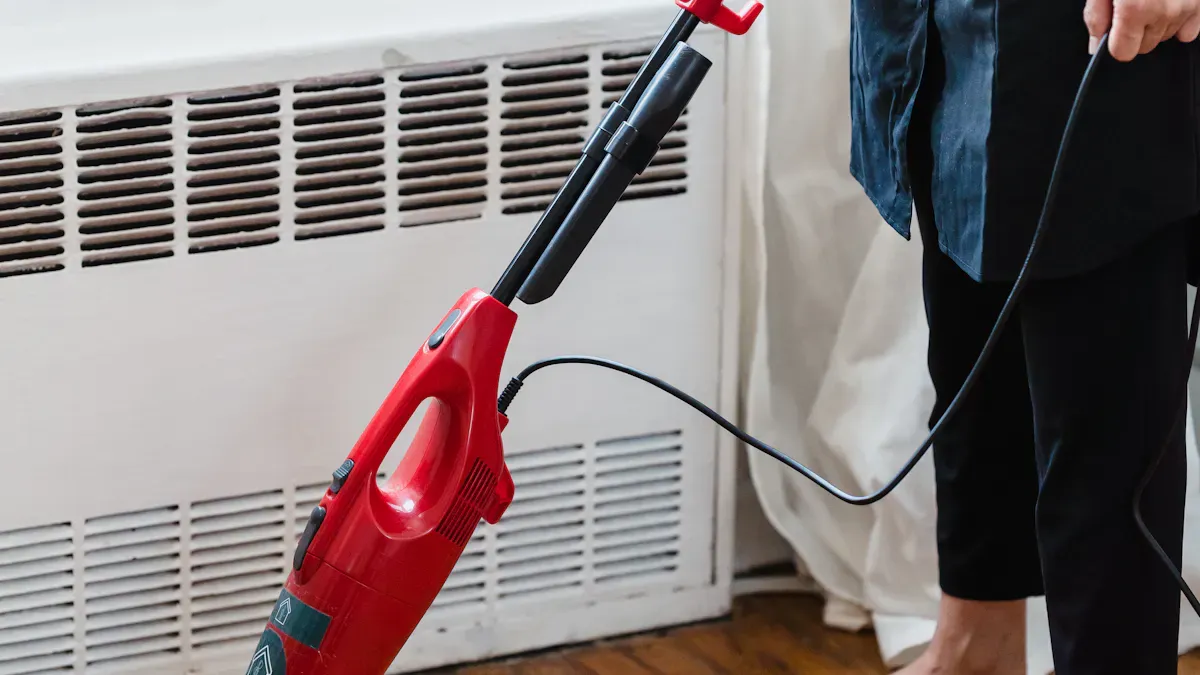
Understanding vacuum mop suction levels is crucial for effective cleaning. Each power setting plays a vital role in how well your vacuum performs. Higher suction power allows you to lift heavier debris and extract fine particles from carpets. However, effective cleaning involves more than just suction; airflow design and brush roll efficiency also matter. With modern vacuums, adaptive suction modes optimize power based on the surface type. This ensures you achieve a thorough clean while conserving battery life.
Key Takeaways
Understand suction levels to optimize your vacuum mop’s cleaning performance. Higher suction means better dirt removal, especially on carpets.
Choose the right suction setting based on the surface type. Use low suction for hard floors and high suction for carpets to achieve effective cleaning.
Consider energy consumption when selecting suction power. Using appropriate levels can save energy and reduce noise, making cleaning more efficient.
Utilize different modes like Eco and Turbo for specific tasks. Eco mode saves energy for light cleaning, while Turbo mode tackles tough stains effectively.
Regularly adjust suction settings based on your cleaning needs. This ensures thorough cleaning and extends the life of your vacuum mop.
Suction Power Levels
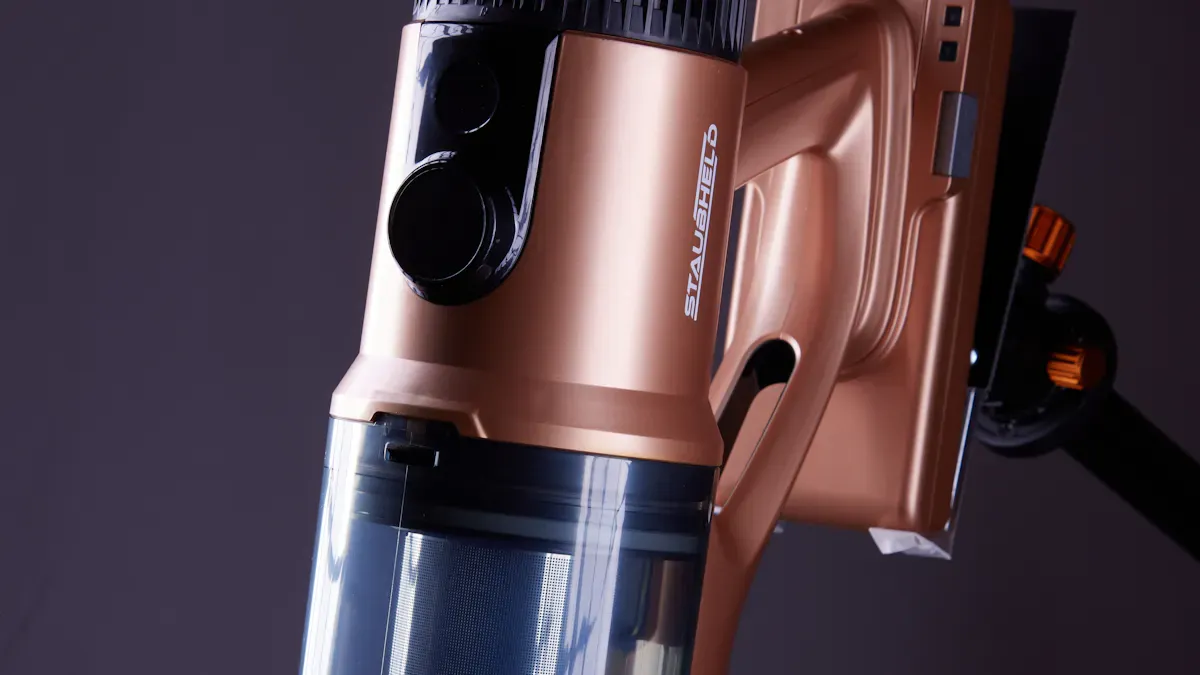
What Are Suction Levels?
Suction levels refer to the different intensities of vacuum suction power that a vacuum mop can provide. Each level adjusts how effectively the vacuum can pick up dirt and debris from various surfaces. You can think of suction levels as the strength of the vacuum’s pull. Higher suction levels mean a stronger pull, which helps remove more stubborn dirt.
Importance of Suction Power
Understanding suction power is essential for achieving good cleaning results. Here are some key points about its significance:
Cleaning Efficiency: Suction power measures how well a vacuum can draw in dirt and debris. Higher suction power correlates with better cleaning performance, especially for deep cleaning tasks.
Surface Adaptability: Different surfaces require different suction levels. For instance, carpets often need higher suction to remove embedded dirt, while hard floors may require less power.
Energy Consumption: Increased suction power can lead to higher energy use. For example, suction levels above 2,800 Pa show diminishing returns in cleaning efficiency. On hardwood floors, a suction level of 2,400 Pa removes 99.1% of 100-micron particles. However, increasing suction to 5,000 Pa only adds a 0.4% gain. This means you can save energy by using the appropriate suction level for your cleaning task.
Noise Levels: Higher suction power can also increase noise. For instance, a suction level of 5,000 Pa raises noise levels by 8 dB(A). You want to balance suction power with comfort, especially in quiet environments.
By understanding suction levels, you can choose the right setting for your cleaning needs. This knowledge helps you maintain a clean home while being mindful of energy use and noise.
Breakdown of 9 Power Settings
Low Suction: Surface Dirt
Low suction settings are perfect for picking up surface dirt. This setting typically operates at around 100–150 AW or 3,000–5,000 Pa. Use this mode on hard floors or low-pile carpets. It effectively removes light debris without using excessive power.
Medium Suction: Everyday Cleaning
Medium suction works well for daily cleaning tasks. This setting usually ranges from 150–200 AW or 5,000–6,000 Pa. It is ideal for maintaining cleanliness in homes with moderate foot traffic. You can use it on both carpets and hard floors to tackle everyday messes.
High Suction: Stubborn Dirt
When you encounter stubborn dirt, switch to high suction. This setting operates at 200+ AW or 6,000+ Pa. It excels at removing embedded dirt from carpets. Use it when you need stronger suction to lift pet hair or ground-in debris.
Turbo Mode: Heavy-Duty Cleaning
Turbo mode provides maximum suction for heavy-duty cleaning. This setting often exceeds 200 AW or 6,000 Pa. It is perfect for deep cleaning carpets or tackling tough stains. Use turbo mode sparingly, as it consumes more energy.
Eco Mode: Energy Efficiency
Eco mode focuses on energy savings while maintaining performance. It operates at 40% less power input but achieves 98% of the suction power of standard settings. You can save up to 20% in energy consumption and reduce water and detergent usage by 10%. This mode is great for light cleaning tasks.
Spot Cleaning: Targeted Areas
Spot cleaning allows you to focus on specific areas that need extra attention. This setting typically uses higher suction power to remove localized messes. It is ideal for spills or dirt in high-traffic zones.
Carpet Mode: Deep Cleaning
Carpet mode is designed for deep cleaning carpets. It usually operates at 200+ AW or 6,000+ Pa. This level of suction is essential for effectively removing embedded dirt. Use this mode when you want to refresh your carpets thoroughly.
Hard Floor Mode: Optimal for Hard Surfaces
Hard floor mode optimizes suction for hard surfaces. It typically operates at lower suction levels, around 100–150 AW or 3,000–5,000 Pa. This setting prevents debris from scattering while ensuring a thorough clean.
Custom Mode: Personalized Settings
Custom mode allows you to adjust suction power based on your specific needs. You can set the suction level to match different surfaces or cleaning tasks. This flexibility ensures you achieve the best cleaning performance.
Model | Type | Suction Power (Pascals) |
|---|---|---|
Miele Classic C1 | Canister | 3957 |
Dyson V15 Detect | Cordless Stick | 2239 |
Eureka Mighty Mite | Canister | 1767 |
Samsung Bespoke Jet | Cordless Stick | 1194 |
Shark Rotator | Upright | 572 |
Shark Stratos | Upright | 547 |
Eureka QuickShift | Upright | 398 |
Shark PowerDetect | Cordless Stick | 373 |
Smoture VAC01 | Cordless Stick | 249 |
Kenmore Intuition | Upright | 174 |
Measuring Suction Power
Air Watts vs. Pascals
When you look at vacuum mop specifications, you will often see two main measurements: Air Watts (AW) and Pascals (Pa). Understanding these terms helps you evaluate the suction power of your vacuum mop effectively.
Air Watts (AW) measures how well a vacuum converts power into suction and airflow. You will find this measurement commonly used in upright and cordless vacuums.
Pascals (Pa) measures suction pressure directly. A higher value indicates stronger suction. This measurement is typically used for robot vacuums.
Here’s a quick comparison of these two measurement types:
Measurement Type | Description | Common Usage |
|---|---|---|
Air Watts (AW) | Measures how effectively a vacuum converts power into suction and airflow. | Common in upright and cordless vacuums. |
Pascals (Pa) | Measures suction pressure directly. A higher value indicates stronger suction. | Typically used for robot vacuums. |
Both measurements are important for understanding how well a vacuum can perform its cleaning tasks.
Recommended Ranges for Different Surfaces
Choosing the right suction power for different surfaces is crucial for effective cleaning. Each surface type has its own recommended suction power range. Here’s a breakdown of what you should consider:
Surface Type | Recommended Suction Power (AW) | Robot Vacuum Power (Pa) |
|---|---|---|
Mostly hard floors | 100–150 AW | 2,000–4,000 Pa |
Mixed floors | 150–200 AW | 4,000–8,000 Pa |
Mostly carpet | 200–300 AW | 8,000 Pa (10,000+ Pa for thicker carpet) |
You should adjust the suction power based on the surface you are cleaning. For example, hard floors require less suction power compared to carpets. Higher suction power is necessary for deep cleaning carpets, especially when dealing with larger debris sizes.
Choosing the Right Suction Level
Factors to Consider
When selecting the appropriate suction settings for your vacuum mop, consider several key factors. Each factor plays a role in how effectively your vacuum performs. Here’s a breakdown:
Factor | Description |
|---|---|
Suction Power | Measures the machine’s ability to draw in dirt and debris; higher power indicates better cleaning. |
RPM | Indicates the speed of brush rotation; higher RPM leads to more effective cleaning. |
Cleaning Power | A comprehensive metric that combines suction power and RPM for overall cleaning effectiveness. |
Water Lift | Measures the ability to lift liquids; important for wet cleaning tasks. |
Motor Power | Influences suction strength and cleaning performance; higher power usually improves performance. |
Noise Level | Refers to the sound produced by the machine; important for user comfort and experience. |
Filtration | Process to remove particles from air or liquids; effective filtration is crucial for clean results. |
Understanding these factors helps you make informed decisions about your vacuum mop’s settings.
Cleaning Task Matching
Matching suction settings to specific cleaning tasks enhances your cleaning efficiency. Here are some guidelines to follow:
Vacuum slowly with strong suction to effectively remove allergens and pet hair from soft surfaces.
Use a HEPA-filter vacuum to capture fine particles, preventing them from being released back into the air.
Regularly vacuum rugs and upholstered furniture, especially in areas where pets sit, to reduce allergen buildup.
By aligning your suction settings with your cleaning tasks, you ensure effective cleaning. This approach not only improves results but also extends the life of your vacuum mop.
Selecting the right suction level for your vacuum mop is essential for effective cleaning. Each setting serves a specific purpose, whether you are dealing with hard floors or thick carpets. To achieve consistent results, consider your cleaning needs. For example:
Hard Floors: 2,000–2,500 Pa is typically sufficient for dust and light dirt.
Thick Carpets & Rugs: Requires 4,000–5,500 Pa for deep cleaning.
Mixed Surfaces: Look for vacuums with automatic suction adjustment.
Pet Owners: High suction and anti-tangle features are essential.
Allergy Sufferers: Strong airflow with HEPA filtration is recommended.
Big Families: Choose models with high-capacity dustbins.
By assessing your specific cleaning tasks, you can choose a vacuum that meets your needs and ensures a clean home.
FAQ
What suction level should I use for hardwood floors?
For hardwood floors, use low suction settings around 100–150 AW or 3,000–5,000 Pa. This level effectively removes dust and light debris without scattering dirt.
How often should I change suction settings?
Change suction settings based on the surface type and cleaning task. Use higher suction for carpets and lower for hard floors. Adjust as needed for optimal cleaning.
Can I use turbo mode on all surfaces?
Turbo mode is best for heavy-duty cleaning tasks, like deep cleaning carpets. Avoid using it on delicate surfaces, as it may cause damage or scattering.
What is the difference between Air Watts and Pascals?
Air Watts (AW) measures how well a vacuum converts power into suction. Pascals (Pa) measure suction pressure directly. Both help evaluate vacuum performance.
How do I know when to clean my vacuum mop?
Check the dustbin regularly. If it’s full or suction decreases, it’s time to clean or empty it. Regular maintenance ensures optimal performance.
