Knowing when to replace your vacuum cleaner is key to maintaining a clean home and understanding the vacuum cleaner lifespan can help you make that decision. If you notice signs of wear and tear, it might be time for a change. Different types of vacuums have varying lifespans. For instance, a corded upright vacuum lasts about 8-10 years, while a robotic vacuum typically lasts only 2-4 years.
Type of Vacuum | Average Lifespan (Years) |
|---|---|
Corded upright vacuum | 8-10 |
Cordless stick vacuum | 3-5 |
Central vacuum system | 18-20+ |
Canister vacuum | 8-10 |
Robotic vacuum | 2-4 |
Key Takeaways
Different vacuum types have varying lifespans. Corded uprights last 8-10 years, while robotic vacuums last only 2-4 years.
Regular maintenance is crucial. Clean filters, check the brush roll, and empty the dust bin to extend your vacuum’s lifespan.
Watch for signs of decline. Loss of suction, unusual noises, and age can indicate it’s time to replace your vacuum.
Lifespan Factors
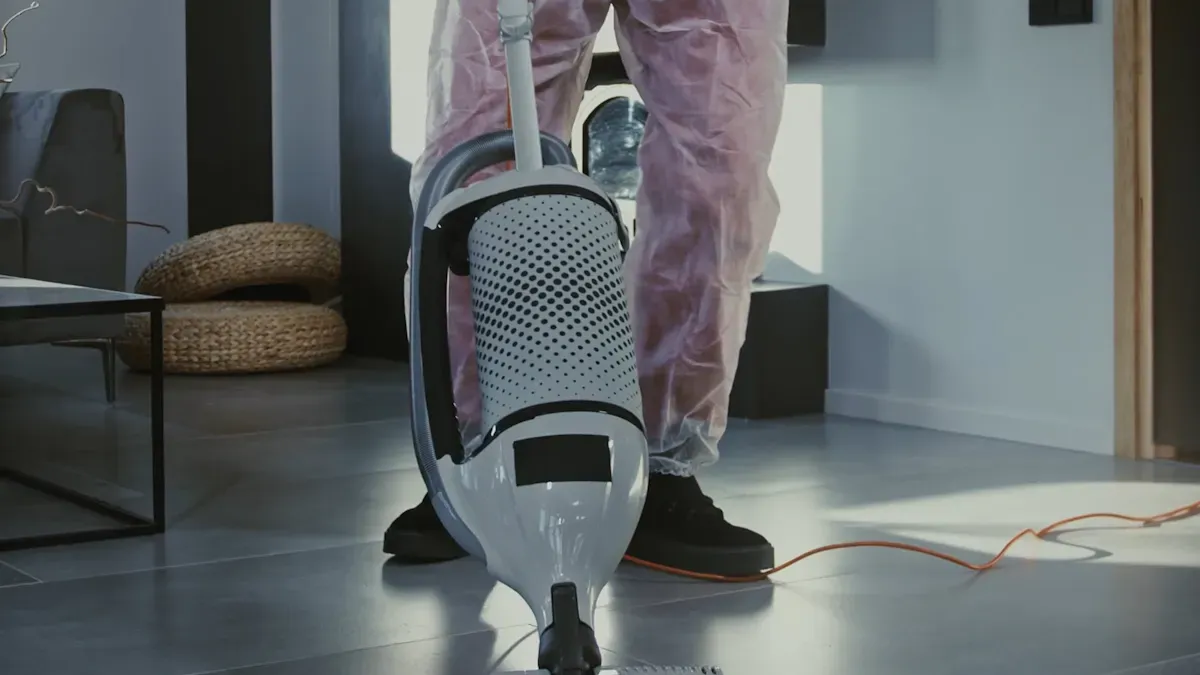
Type of Vacuum
The type of vacuum you choose plays a significant role in its lifespan. Different models come with varying durability and performance expectations. Here’s a quick look at how various vacuum types stack up:
Vacuum type | Expected lifespan | Longevity |
|---|---|---|
Central vacuum system | 20–30 years | Best |
Corded upright vacuum | 8–10 years (15-20+ for high-end vacuum cleaners) | Good |
Canister vacuum | 8–10 years | Good |
Cordless stick vacuum | 3–5 years | Fair |
Handheld vacuum | 2–4 years | Short |
Robotic vacuum | 2–4 years | Short |
Battery-powered vacuums, like cordless sticks and robotic models, usually have shorter lifespans. Their batteries degrade over time, which limits their performance. As the lithium-ion batteries lose capacity, you’ll notice reduced runtime and efficiency. This decline can significantly impact the overall vacuum cleaner lifespan.
Usage Frequency
How often you use your vacuum also affects its longevity. If you vacuum daily, your unit will experience more wear and tear compared to one used weekly. Frequent use can lead to common issues, such as:
Power Supply or Plug Issues: Loose plugs or worn cords can cause problems.
Overheating Motor: Continuous use may trigger protection modes, shutting off the vacuum.
Clogged Filters or Dustbin: Full dustbins and packed filters restrict airflow, reducing suction.
Blocked Hose or Brush Roll: Debris buildup can impede functionality.
If you have pets or kids, you might find yourself vacuuming more often. This increased usage can lead to quicker deterioration, so keep an eye on your vacuum’s performance.
Maintenance Practices
Regular maintenance is crucial for extending your vacuum’s lifespan. A few minutes of upkeep can add years to your unit. Here are some recommended practices:
Routine Inspections: Check for any visible wear and tear.
Cleaning Filters: Dirty filters can reduce suction and efficiency.
Monitoring Battery Health: For cordless models, keep an eye on battery performance.
Lubricating Moving Parts: This helps maintain smooth operation.
Using Smart Diagnostics: Some modern vacuums come with features that alert you to maintenance needs.
Keeping your vacuum clean can significantly extend its lifespan. Regular maintenance not only prevents costly replacements but also ensures your vacuum operates efficiently. For example, replacing HEPA filters every six months and regularly cleaning brush rolls can prevent premature failures and maintain optimal performance.
By understanding these lifespan factors, you can make informed decisions about your vacuum cleaner and ensure it serves you well for years to come.
Signs to Replace
Performance Decline
You might notice that your vacuum cleaner isn’t performing as well as it used to. This decline in performance can be a clear sign that it’s time to replace your vacuum cleaner. Here are some common indicators to watch for:
Loss of suction that doesn’t improve with cleaning
Unusual noises, smells, or overheating
Frequent repairs and rising maintenance costs
Declining performance on carpets, rugs, or hard floors
If you find yourself constantly battling these issues, it’s likely that your vacuum has reached the end of its useful life. A vacuum that struggles to pick up dirt and debris not only frustrates you but also means you’re not getting the clean home you deserve.
Age of Vacuum
The age of your vacuum cleaner is another crucial factor in deciding whether to replace it. Different types of vacuums have varying lifespans, and knowing when yours is due for an upgrade can save you time and hassle. Here’s a quick look at the expected lifespan of various vacuum types:
Vacuum type | Expected lifespan |
|---|---|
Central vacuum system | 20–30 years |
Corded upright vacuum | 8–10 years (15-20+ for high-end vacuum cleaners) |
Canister vacuum | 8–10 years |
Cordless stick vacuum | 3–5 years |
Handheld vacuum | 2–4 years |
Robotic vacuum | 2–4 years |
If your vacuum is nearing the end of its expected lifespan, it’s wise to start considering a replacement. Even if it seems to work fine, older models may lack the efficiency and technology of newer ones. Upgrading can lead to better cleaning performance and energy efficiency.
By keeping an eye on these signs you need to replace your vacuum cleaner, you can ensure that your home stays clean and fresh without unnecessary frustration.
Extend Vacuum Lifespan

Regular Maintenance
To keep your vacuum cleaner running smoothly, regular maintenance is essential. Here are some practical tips to help you extend its lifespan:
Check the brush roll: Regularly inspect the brush roll area for hair and debris. Remove the bottom plate to clear any buildup.
Inspect the belt: Look for wear or damage during maintenance. A worn belt can affect performance.
Clean filters: Make it a habit to clean or replace filters every few months. This helps maintain suction power and prevents blocked filters from damaging components.
Empty the dust bin: After each use, empty the dust bin or change the dust bag. This prevents dust accumulation and keeps your vacuum efficient.
Schedule professional maintenance: Consider having a professional check your vacuum every 6 to 12 months. They can spot issues you might miss.
Proper Usage
How you use your vacuum also impacts its longevity. Follow these best practices to avoid premature wear and tear:
Avoid vacuuming large debris: Steer clear of sharp objects like glass shards or coins. These can damage internal components.
Don’t vacuum liquids: Standard vacuums aren’t designed for liquids. This can lead to serious damage or even fires.
Store it properly: Keep your vacuum in a dry, cool place. This prevents rust and damage from humidity.
Adjust settings: Use the right settings for different surfaces. This ensures thorough cleaning without straining the machine.
By following these maintenance and usage tips, you can significantly extend your vacuum cleaner lifespan and keep your home clean and fresh.
In summary, knowing when to replace your vacuum cleaner is essential for maintaining a clean home. Regular maintenance can extend its lifespan, but remember, vacuum cleaners don’t last forever. Keep an eye out for performance issues and age. By staying proactive, you can enjoy better cleaning efficiency and improved indoor air quality.
Tip: Always unplug your vacuum before performing maintenance to stay safe!
FAQ
How often should I replace my vacuum cleaner?
You should consider replacing your vacuum every 8-10 years, depending on its type and performance.
Can I repair my vacuum instead of replacing it?
Yes, minor repairs can extend its life. However, if repairs cost more than a new vacuum, replacement is better.
What maintenance can I do to prolong my vacuum’s life?
Regularly clean filters, empty the dust bin, and check for blockages to keep your vacuum running efficiently.